Introduction
Part 1 was the research: what changed in LZA v1.16.2, why the container (ECS) deployment mode exists, and how I planned to seed the config from lza-universal-configuration v1.3.1. I ended up with the one thing the docs did not: anything about the account I was deploying into.
This is that part. It took one Control Tower landing zone built by hand, three Control Tower API operations, and fifteen runs of the lza1-RunEngine automation before one came back with exit code 0.
That screenshot is the whole post in one image. Here's what each of those rows was.
All account IDs, org IDs, and email addresses below are redacted. The error text, resource names, and policy shapes are verbatim, because that's the part that's actually useful.
The prerequisite check that changed the plan
Part 1 listed the six conditions for letting LZA deploy Control Tower for you with ControlTowerEnabled: Yes. I checked them before touching anything, and I'm glad I did:
| Prerequisite | My account |
|---|---|
| Organizations with all features enabled | OK |
| No OUs yet | OK - zero OUs under the root |
| Only the management account in the org | Fails |
| No IAM Identity Center configured | Fails |
| No Control Tower service roles present | Fails |
| No services enabled at the org level | Fails |
Three of six failed. This account has been the org's management account since 2024 and hosted a production LZA installation that has since been decommissioned. Control Tower reported no active landing zone, but all four service roles - AWSControlTowerAdmin, AWSControlTowerCloudTrailRole, AWSControlTowerStackSetRole, AWSControlTowerConfigAggregatorRoleForOrganizations - were still sitting there with a creation date of 2024-04-01.
So the auto-deploy path would not have worked. Control Tower had to go up by hand first, and the installer would then run with ControlTowerEnabled: No, layering onto an existing landing zone instead of creating one.
Building the landing zone by hand
I used the API rather than the console wizard, with a manifest pinned to landing zone version 4.0:
{
  "governedRegions": ["eu-central-1"],
  "organizationStructure": {
    "security": { "name": "Security" }
  },
  "centralizedLogging": {
    "accountId": "<LOG_ARCHIVE_ACCOUNT_ID>",
    "enabled": true,
    "configurations": {
      "loggingBucket": { "retentionDays": 365 },
      "accessLoggingBucket": { "retentionDays": 365 }
    }
  },
  "securityRoles": { "accountId": "<AUDIT_ACCOUNT_ID>" },
  "accessManagement": { "enabled": true }
}
One thing worth knowing if you've only ever done this in the console: CreateLandingZone takes account IDs, not emails. The console wizard still asks for a Log Archive and an Audit email and creates those accounts for you. The API does not. It expects both accounts to already exist in the org, and you hand it their IDs. So the actual first step was creating two member accounts with fresh emails, moving them into a Security OU, and only then calling the API.
Failure one: 2024 service roles against a 2026 Control Tower
The first CREATE ran for 28 minutes and then failed:
"status": "FAILED",
"statusMessage": "AWS Control Tower failed to deploy stack(s):
  arn:aws:cloudformation:eu-central-1:<MGMT_ACCOUNT_ID>:stack/
  AWSControlTowerBP-BASELINE-CLOUDTRAIL-MASTER/...
  To continue, review the failed stack(s) and try again."
The CloudTrail baseline stack couldn't create its log group. The issue was the service roles: they were created in April 2024, and their inline policies were never updated. Control Tower has added permission requirements since then, and nothing re-checks a role that already exists. The prerequisite is "does the role exist", not "does the role still have the right policy".
Three roles needed patching. AWSControlTowerCloudTrailRole was missing its CloudWatch Logs write permissions entirely:
{
  "Version": "2012-10-17",
  "Statement": [
    {
      "Action": "logs:CreateLogStream",
      "Resource": "arn:aws:logs:*:*:log-group:aws-controltower/CloudTrailLogs*:*",
      "Effect": "Allow"
    },
    {
      "Action": "logs:PutLogEvents",
      "Resource": "arn:aws:logs:*:*:log-group:aws-controltower/CloudTrailLogs*:*",
      "Effect": "Allow"
    }
  ]
}
AWSControlTowerAdmin was missing ec2:DescribeAvailabilityZones, and later also needed logs:DeleteLogGroup and logs:DeleteRetentionPolicy on the same log group pattern so the retry could clean up the half-created group from the failed attempt. AWSControlTowerStackSetRole needed a longer list of cloudformation:*StackSet* actions.
None of this is documented as an upgrade path, because there isn't one. If your management account carries Control Tower roles from an older landing zone, treat them as suspect rather than as a prerequisite you can tick off.
Failure two: a failed stack blocks its own repair
With the roles patched, I called RESET. It ran for 17 minutes and failed differently:
"operationType": "RESET",
"status": "FAILED",
"statusMessage": "AWS Control Tower is unable to update stack
  ...AWSControlTowerBP-BASELINE-CLOUDTRAIL-MASTER... because the stack
  is in a failed state. To continue, review the stack and try again."
Control Tower won't repair a stack that's in a failed state. You have to clear it yourself first. Delete the stuck stack, then reset again. The second RESET ran from 08:59 to 09:20 UTC and came back SUCCEEDED.
Three operations, about 75 minutes of wall clock time, for a landing zone the docs describe as a single API call. Here's where it ended up, with the Security OU holding Log Archive and Audit:
Note the Suspended OU with 19 accounts in it. These were from my previous installation. Keep that in mind for later.
Installer stack and config
This part went exactly as Part 1 described, which was a relief. AWSAccelerator-InstallerContainerStack.template into the LZA Deployment account, ControlTowerEnabled: No, AcceleratorQualifier: lza1. CREATE_COMPLETE in about 15 minutes, with the SSM document name lza1-RunEngine in the stack outputs.
Then the config. I merged the lza-universal-configuration v1.3.1 shared-vpc pattern - not hub-and-spoke, for the $1,372/month reason from Part 1, filled in the account emails and regions, zipped it, and uploaded it:
42.6 KB. The entire landing zone definition: seven top-level YAML files plus the SCP, RCP, tagging, backup, declarative-policy, and VPC-endpoint-policy subfolders.
A detail from replacements-config.yaml that matters later:
globalReplacements:
  - key: AcceleratorPrefix
    type: String
    value: AWSAccelerator
The installer qualifier is lza1. The accelerator prefix inside the config is AWSAccelerator. Both are correct; they name different things, and the gap between them is where this deployment eventually tripped.
Synth is not a dry run
Part 1 said I'd lean on synth mode before every real run, since container deployment has no diff viewer. You trigger it by overriding the container command:
{
  "containerOverrides": [
    {
      "name": "lza-deployment-container",
      "command": ["/landing-zone-accelerator-on-aws/scripts/run-lza.sh synth"]
    }
  ]
}
That plan needs an asterisk. For a brand-new environment, synth is not a no-op. The prerequisite bootstrap - creating OUs, moving accounts into them, updating the Control Tower landing zone - runs for real in both synth and deploy mode. Only the CDK stack deployment stage stays dry.
So the "safe preview" I'd planned to run before every change was, on its first execution, already reorganizing my AWS Organization. It's still worth running for the template output. Just don't read the word synth as "nothing will happen."
Fifteen runs
The runs themselves fall into a handful of causes, not fifteen. Almost all of them trace back to the same thing: this was a fresh environment in an account that was not a fresh account. I will tackle this in a separate post on how to fully decommission the LZA landing zone, including all roles and permissions.
Leftovers from a decommissioned landing zone
The decommissioned production LZA left behind a CDK bootstrap stack pointing at a KMS key that no longer existed, and a set of S3 buckets with deterministic names that the new deployment wanted to create from scratch. Fixed names are convenient right up until you need two installations in one account, sequentially.
Emptying those buckets were versioned, so deleting the objects isn't enough, you have to clear every version and every delete marker before the bucket will go. Roughly:
aws s3api list-object-versions --bucket "$BUCKET" \
  --query '{Objects: Versions[].{Key:Key,VersionId:VersionId}}' > versions.json
aws s3api delete-objects --bucket "$BUCKET" --delete file://versions.json
# then repeat the same two calls for DeleteMarkers[]
aws s3api delete-bucket --bucket "$BUCKET"
One bucket also came back with an encryption mismatch and had to be set back to SSE-KMS with the bucket key off before LZA would accept it:
{
  "Rules": [
    {
      "ApplyServerSideEncryptionByDefault": { "SSEAlgorithm": "aws:kms" },
      "BucketKeyEnabled": false
    }
  ]
}
On top of that: an IPAM delegation that hadn't finished propagating, and GuardDuty and Security Hub still delegated to an account that had been closed for over a year. Each of these surfaced as a single specific stack failure, got fixed, and the run got retried. That accounts for most of runs 1 through 7.
The guardrail that locked the deployment out of its own cluster
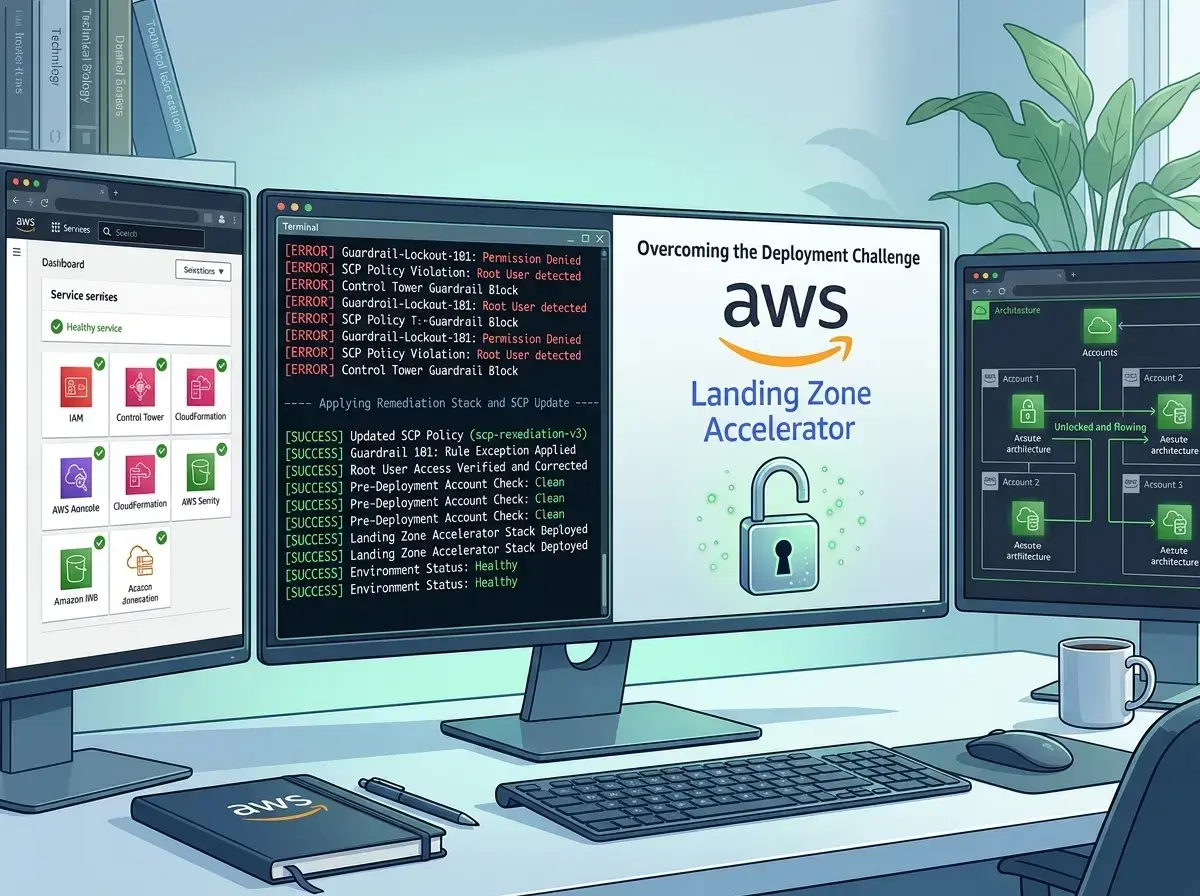
Run 8 is the interesting one, and it's why I'd tell anyone to read this post before deploying containers into an org with history.
It failed at WaitForTaskCompletion, not inside the container:
An error occurred (AccessDeniedException) when calling the DescribeTasks
operation: User: arn:aws:sts::<DEPLOY_ACCOUNT_ID>:assumed-role/
AWSAccelerator-InstallerContainer-SsmAutomationRole-lHbLQJQS9JNh/Automation-...
is not authorized to perform: ecs:DescribeTasks on resource:
arn:aws:ecs:eu-central-1:<DEPLOY_ACCOUNT_ID>:task/lza1-ecs-cluster/...
with an explicit deny in a service control policy:
arn:aws:organizations::<MGMT_ACCOUNT_ID>:policy/<ORG_ID>/service_control_policy/p-3judb1lm
An SCP was denying LZA's own automation role permission to look at LZA's own ECS task. I went digging in CloudTrail, and the sequence is almost comic:
| Time (UTC) | What happened |
|---|---|
| 11:11:57 - 11:14:29 | LZA moved 19 accounts it didn't find in accounts-config.yaml from the root into the Suspended OU |
| 11:33:38 | LZA moved its own deployment account into the Suspended OU |
| 11:41:39 | LZA attached AWSAccelerator-Suspended-Guardrails to the Suspended OU |
| 11:42:17 | Run 8 failed: ecs:DescribeTasks denied |
| 11:47:35 | LZA moved the deployment account back to Infrastructure |
The policy it attached is the Suspended guardrail from the universal configuration, and its entire purpose is to stop the accelerator from touching accounts it should leave alone:
{
  "Sid": "GRDenyAllAWSServicesForLZAProvisioning",
  "Effect": "Deny",
  "Action": "*",
  "Resource": "*",
  "Condition": {
    "ArnLike": {
      "aws:PrincipalArn": [
        "arn:${PARTITION}:iam::*:role/${MANAGEMENT_ACCOUNT_ACCESS_ROLE}",
        "arn:${PARTITION}:iam::*:role/${ACCELERATOR_PREFIX}*",
        "arn:${PARTITION}:iam::*:role/cdk-accel*"
      ]
    }
  }
}
Compare that with the quarantine policy shipped in the same folder, which looks nearly identical:
{
  "Sid": "DenyAllAWSServicesExceptLZAProvisioning",
  "Effect": "Deny",
  "Action": "*",
  "Resource": "*",
  "Condition": {
    "ArnNotLike": {
      "aws:PrincipalArn": [ ... same three entries ... ]
    }
  }
}
ArnLike versus ArnNotLike. One denies everything except the accelerator; the other denies everything to the accelerator. Both are correct for their intended target. The problem is only that for fourteen minutes, the deployment account was in the OU carrying the second one - and ${ACCELERATOR_PREFIX} is AWSAccelerator, which matches AWSAccelerator-InstallerContainer-SsmAutomationRole-* exactly.
This is the Part 1 leftover. I went in watching for the case where installer resources are named lza1-* and fall outside AWSAccelerator*-scoped guardrails. What actually bit me was the opposite: the installer's IAM roles are named AWSAccelerator* and fell inside a deny that was written for those roles on purpose.
The fix was moving the account back out of the suspended OU six minutes later, and the next run got past that step. But if you hit this, you'll burn an hour convincing yourself it isn't a real permissions problem, because the error looks exactly like one.
Worth knowing, too: the 19 accounts swept into Suspended include ones that are still active but not in daily use right now. They weren't in accounts-config.yaml, so LZA classified them as unmanaged and filed them accordingly - and they're still there. The Suspended guardrail only denies the accelerator's own roles, so nothing broke for the people using those accounts. It's still not where I'd have put them, and it's the kind of change a "synth" run will happily make for you.
CloudFormation states that aren't really states
Run 11 died on something less interesting but more annoying:
Deployment of AWSAccelerator-LoggingStack-<MGMT_ACCOUNT_ID>-eu-central-1 failed:
❌  AWSAccelerator-LoggingStack-<MGMT_ACCOUNT_ID>-eu-central-1 failed:
NoStack: CloudFormationStack object does not hold a stack
A stack left in a state CDK can't act on and can't describe as a real stack. Delete it explicitly and re-run. Runs 12 through 14 were variations: one failed resource at a time, each one a remnant the previous installation had left in a state that wasn't quite present and wasn't quite gone.
Somewhere in there I also wanted to see why ValidateEnvironmentConfig was rejecting things, which meant catching the Lambda function the prepare stage creates and turning its log level up before it ran. Racing a function that's still being created is about as reliable as it sounds:
An error occurred (ResourceConflictException) when calling the
UpdateFunctionConfiguration operation: The resource ... is currently
in the following state: 'Pending'. StateReasonCode: 'Creating'
Set LogLevel on the installer stack instead. It's a parameter for exactly this reason, and I'd skimmed past it in Part 1.
Run fifteen
The last one started at 13:47:37 UTC and finished at 15:15:20 - one hour, 27 minutes, 43 seconds - exit code 0 with success.
The Fargate task itself is not small: 8192 CPU units, 32 GB of memory, 20 GiB of ephemeral storage, running public.ecr.aws/aws-solutions/landing-zone-accelerator-on-aws:v1.16.2 in a private subnet with assignPublicIp disabled.
The stage-by-stage progress is visible in /ecs/lza1-lza-deployment:
Turned into a table to see the distribution:
| Stage | Started (UTC) | Duration |
|---|---|---|
| prepare | 13:48:37 | ~1.5 min |
| accounts | 13:50:09 | ~1 min |
| key | 13:51:23 | ~20 sec |
| logging | 13:51:41 | ~1 min |
| organizations | 13:52:44 | ~18 min |
| security-audit | 14:10:27 | ~1 min |
| network-prep | 14:11:42 | ~6 min |
| security | 14:18:00 | ~3 min |
| operations | 14:20:52 | ~7 min |
| network-vpc | 14:27:50 | ~32 min |
| security-resources | 15:00:12 | ~5 min |
| identity-center | 15:05:38 | ~10 min |
Two stages - organizations and network-vpc - account for more than half the runtime. Everything else is noise by comparison. That's useful to know when a run fails: if it died in key you've lost 20 seconds, if it died in network-vpc you've lost half an hour.
And the result, in the LZA Deployment account:
KeyStack, DependenciesStack, LoggingStack, NetworkPrepStack, SecurityStack, OperationsStack, NetworkVpcStack, NetworkVpcEndpointsStack, NetworkVpcDnsStack, SecurityGuardDutyS3MalwareStack, SecurityResourcesStack, NetworkAssociationsStack, NetworkAssociationsGwlbStack, CustomizationsStack, ResourcePolicyEnforcementStack - all CREATE_COMPLETE. Control Tower reports 6 OUs, 7 accounts, and 269 controls.
What's next: the lza-mcp-server
Now that there's a working deployment to point it at, this is the piece I actually want to use day-to-day. lza-mcp-server is AWS Labs' official MCP server for LZA, currently at v1.1.0 (June 29, 2026). It exposes tools grouped into a few buckets: AWS connectivity checks, config read/write (getLzaConfiguration, putLzaConfiguration), pipeline control (startDeployment, getDeploymentStatus, diagnoseDeploymentErrors, submitManualApproval), and schema search against the LZA JSON schemas.
What makes v1.1.0 relevant here: it added automatic detection of external-pipeline and ECS Fargate / SSM Automation deployments - exactly this mode - plus CodeCommit as an alternate config source alongside S3. There's also an optional "Guided UC Merge" toolset (start_uc_merge_session, copyUcToLzaConfig) that automates the copy-and-overwrite step I did by hand, once ENABLE_UC_MERGE is turned on.
diagnoseDeploymentErrors is the one I'd have liked on this particular day. Fifteen runs of reading describe-stack-events output by hand is exactly the job you'd want to hand to something that already knows what LZA's failure modes look like.
There's no npm or PyPI package - you build it locally with Docker or Finch (make build) and wire it into your MCP client via a wrapper script that exports your AWS CLI credentials into the container's environment. The README lists Kiro and Claude Desktop as supported clients, while AWS's own announcement post adds Amazon Q Developer and Claude Code - worth checking current support before you pick one. And read the README's privacy notice before pointing it at a real account: it executes AWS API calls with your credentials and shares the response data with your AI provider.
Conclusion
The research in Part 1 paid off. I knew the config was a zip, which guardrails to check, and that hub-and-spoke wasn't worth it for a throwaway account. Every one of those saved me time.
What it couldn't tell me was that "fresh environment" and "fresh AWS account" are not the same sentence. Everything that cost me a run today came from the account's own history: service roles from 2024 that no longer had the permissions Control Tower needs, buckets with fixed names from an installation that no longer exists, delegated administrators pointing at a closed account, and stacks in states that CloudFormation won't describe and won't delete.
My rule of thumb, now that I've done it: container deployment into a previously-used management account is a migration, not an installation - plan it like one. If you have the option, use an account that has genuinely never run a landing zone. If you don't, budget a day rather than an afternoon, and expect the first several runs to inventory what the last installation left behind rather than deploy.
The mode itself held up fine, by the way. Once the account stopped fighting, one Fargate task did in 88 minutes what my CodePipeline setup does in 45 to 75, with no persistent pipeline infrastructure sitting around between runs. For a short-lived evaluation environment, that trade is worth it. For my production landing zone, I'm staying on CodePipeline, exactly as the LZA team recommends - and now I've got a concrete reason of my own rather than just their advice.
That's Part 3: wiring in lza-mcp-server for day-2 operations, and pointing its diagnosis tool at run 8 to see whether it finds what I found by hand. Happy deploying!
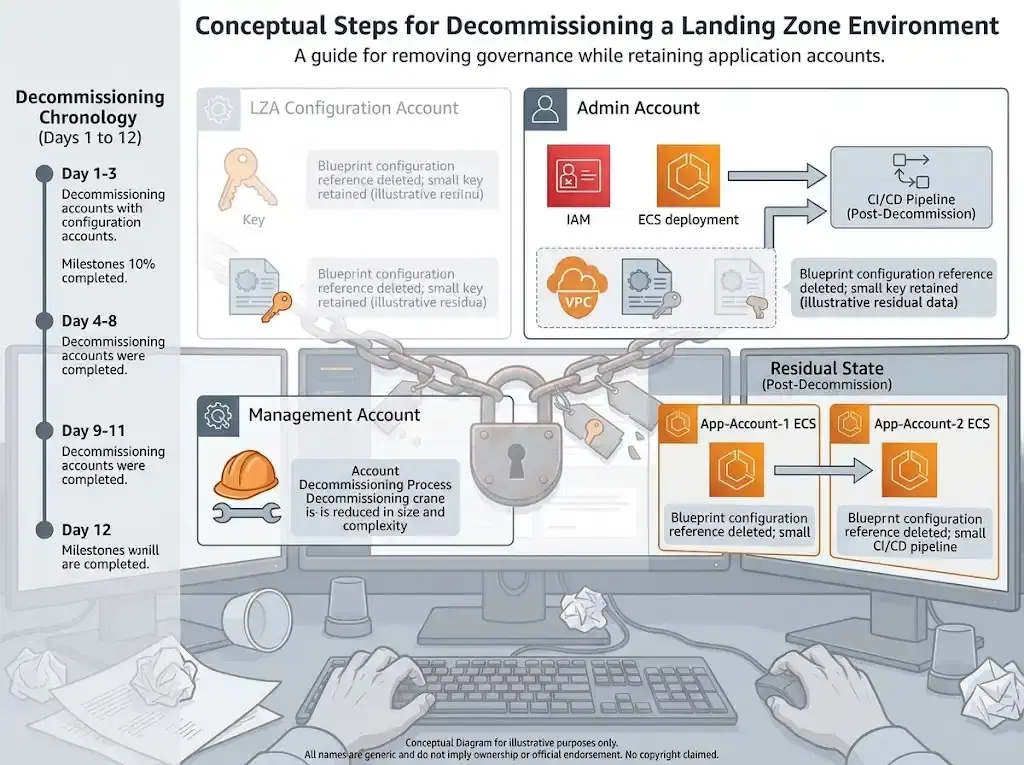
Update: Twelve days after this, I decommissioned the whole landing zone. I hit a CloudFormation deadlock on the way out that nobody documents - the full teardown is in Decommissioning the Landing Zone Accelerator and Control Tower, Twelve Days Later.
This post was written with AI assistance and verified plus enhanced by a human.