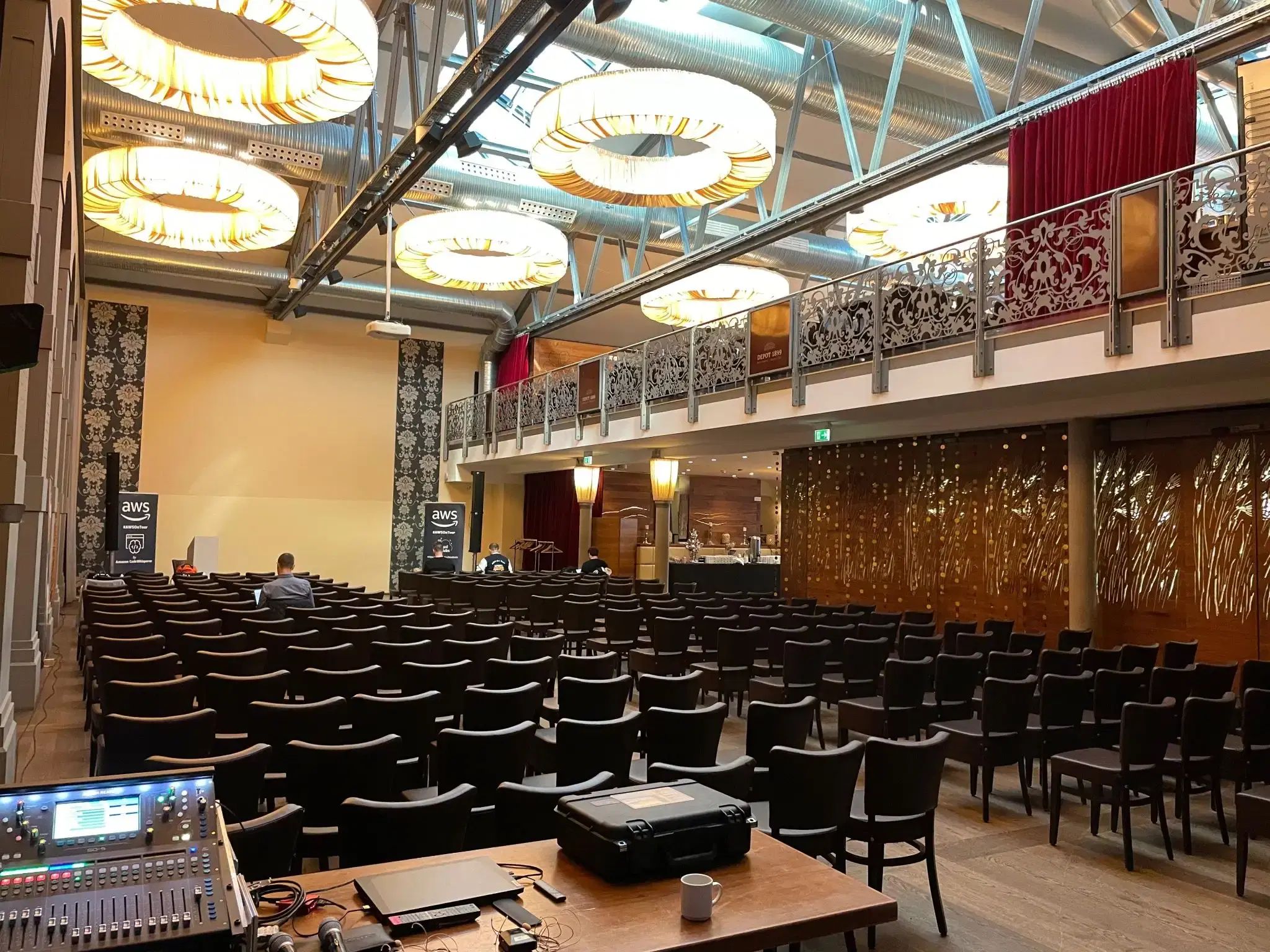
Introduction
This talk will show how to host your blog and automatically deploy with a dev environment for testing - all on AWS
It is not only about how to achieve this but all the lessons leaned on the way with several services such as code pipeline, Cloudfront and WAF.
As simple as follows you can create your blog based on the hugo blist in under 10 minutes
mkdir my-blog && cd my-blog

npx projen new \
    --from @mavogel/projen-cdk-hugo-pipeline@~0 \
    --domain your-domain.com \
    --projenrc-ts

npm --prefix blog install
# deploy the repository and the pipeline once via
npm run deploy
# -> This will create the codecommit repository and the codepipeline. The pipeline will fail first, so now commit the code.
# add the remote, e.g. via GRPC http
git remote add origin codecommit::<aws-region>://my-blog
# rename the branch to master (we will fix this)
git branch -m master main
# push the code
git push origin master
wait until the pipeline has deployed to the dev stage, go to your url dev.your-comain.com, enter the basic auth credentials (default: john:doe) and look at you beautiful blog
Architecture
Next up is a short overview of the architecture:
All the lessons learned are documented in the linked blog post in the slides, also the associated repositories are the following:
Have fun!